
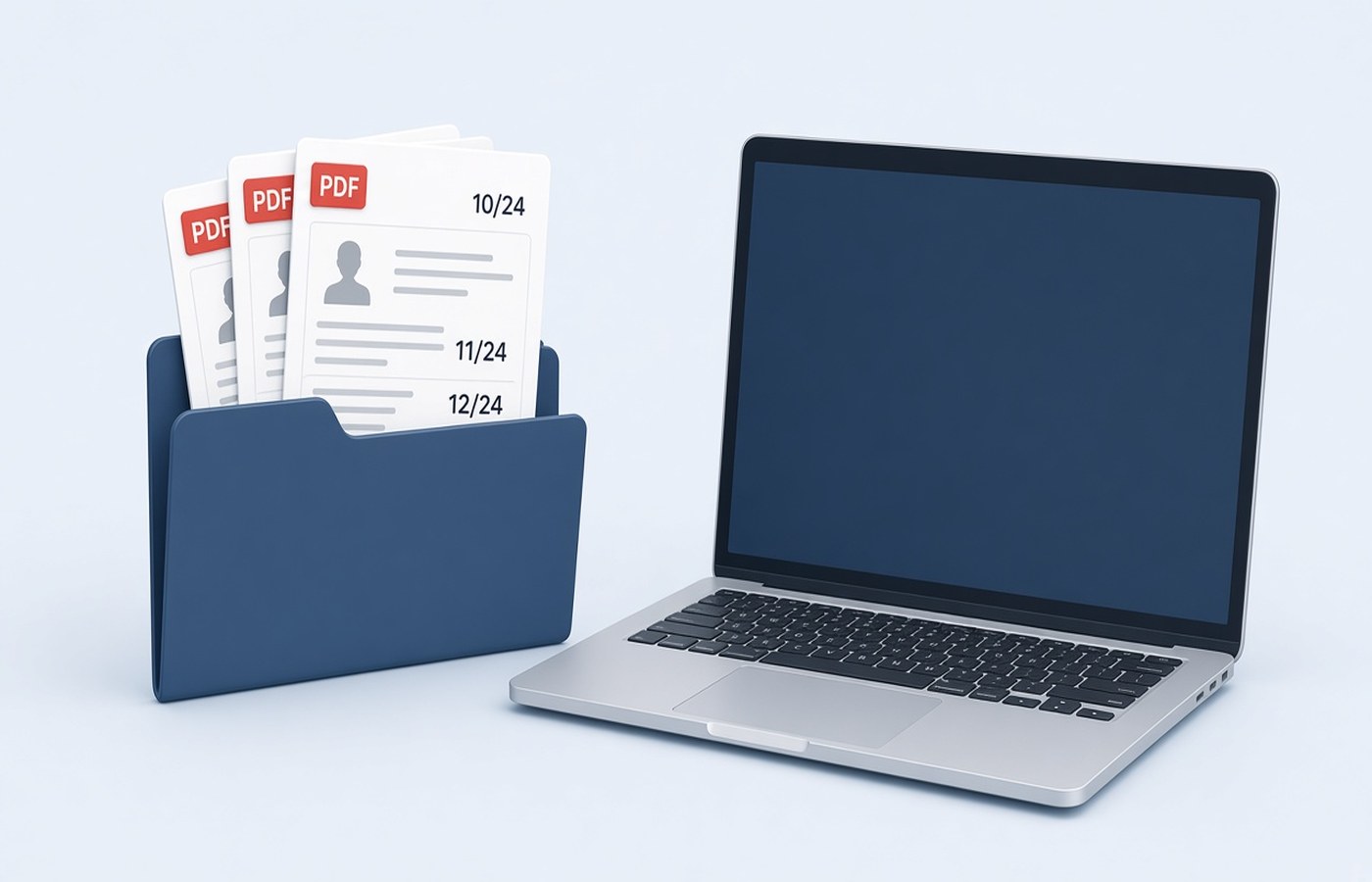
Home buyers receive demand letters by mail and on builder portals: a milestone, an amount, a due date, and a flat number. The file is often named Demand.pdf every time, so the new letter replaces the old one in Downloads. Months later, when the bank or a consumer complaint needs the April demand, only the September file remains. Save each letter on Windows the day it arrives, with the date and the amount in the file name, and leave the previous letter untouched. You are archiving letters the builder sent you. Do not edit the figure to match what you wish you owed.
Save the letter the day it arrives
Download the PDF from the builder portal or from the mail, open it, and confirm the flat number and the milestone name. Then save a copy into a folder for that project before you do anything else. Do not leave it in Downloads. The next letter will reuse the same file name and Windows will ask you to replace the file, and under time pressure people click yes. A folder such as Flat-A-1204/Demands holds the history. One letter, one file, even if the amount is small.
If the portal shows the letter on screen but the download is an image, turn that image into a PDF on the PC and store it the same way. A photo in the gallery will not sort by milestone later. If the mail has both a letter and a ledger, keep them as two files with the same date prefix. Do not merge them until a bank specifically asks for one attachment. Separate files are easier to match to the demand the bank names.
- Download and file the letter the same day
- One milestone, one PDF
- Ledger or invoice kept beside it, not inside it, until someone asks
- Downloads is not the archive
Put the date and the amount in the name
A practical name is 2026-04-12-Slab3-Demand-1850000.pdf, using the date on the letter and the total demanded. You can see the sequence in the folder without opening each file. Avoid final.pdf and latest.pdf. Those names are how the cheaper or earlier letter disappears. If a revised demand arrives for the same milestone, keep the first file and add Rev2 to the new one. The revision is a new fact. The original demand still explains what you were told in April.
Do not put your full loan account number in the file name if the folder might be shared with a family member's laptop backup that is not private. The letter itself has the details. The name needs the date, the milestone, and enough of the amount to tell two letters apart. If two letters share a date, add the milestone word. Spacing and extra dots in the name cause trouble on some bank upload forms, so prefer hyphens.
What the bank usually wants later
Disbursement teams ask for the current demand and sometimes the previous receipts. Send the file that matches the milestone they named, not the newest file by habit. Open it and check the figure against the mail you are about to write. If they want proof you paid an earlier demand, that is the receipt, not the demand letter. Keep receipts in a sibling folder so you do not attach a demand and call it a payment proof.
If a letter is sideways or the scan from a site office cut off the flat number, rotate or rescan before you archive it. The copy you store should be readable without tilting your head. Compress only when a mail limit requires it, and read the amount afterward. A demand you cannot read is not an archive. If the builder PDF is locked, use the password from the portal. If you do not have it, use the portal download again while you are logged in. Do not break the lock.
A folder you can hand to a lawyer or a lender
Sort the folder by name so the dates run in order. When a dispute about delay or an extra charge starts, this list is the timeline. Export a single PDF of the letters only if a counsel asks for one bundle, and keep the separate files. Pdf Buddy can merge that bundle, rotate a bad scan, and save it on the PC. There is no reason to upload every demand to a random locker site. The builder portal is the source. Your disk is the copy you control.
After possession, do not empty the folder. Warranty issues and the final statement refer to earlier milestones. You are keeping letters you received about a flat you are paying for. If a demand seems wrong, write to the builder and keep their reply as another dated PDF. Do not change the amount on the letter and send that edited file to the bank as if the builder had issued it.
Questions people actually ask
The builder uses the same file name every month. How do I stop the overwrite? Save each download into the flat folder with the letter date and milestone in the name, the same day. Leave last month's file where it is. If Windows asks to replace Demand.pdf in Downloads, cancel and save with a new name instead.
A revised demand replaced the milestone. Do I delete the first letter? Keep the first letter and file the revision beside it with Rev2 in the name. The first letter shows what was asked earlier. Send the revision to the bank when it is the one they should pay against, and say which file is current.
Can I merge every demand into one PDF now to stay tidy? Stay with separate dated files for the archive. Merge a copy only when a bank or a lawyer asks for a single attachment, and do not delete the parts afterward. One bundle is harder to correct when a single milestone is disputed.
File each demand on the PC the day it arrives, under a name that includes the date. Pdf Buddy, by Easy Peeze Tools, is a Windows desktop PDF editor that works on the PC. Letters are not uploaded to a random website. The free tier is 2 files a day. Pricing starts at ₹149. See pricing.