
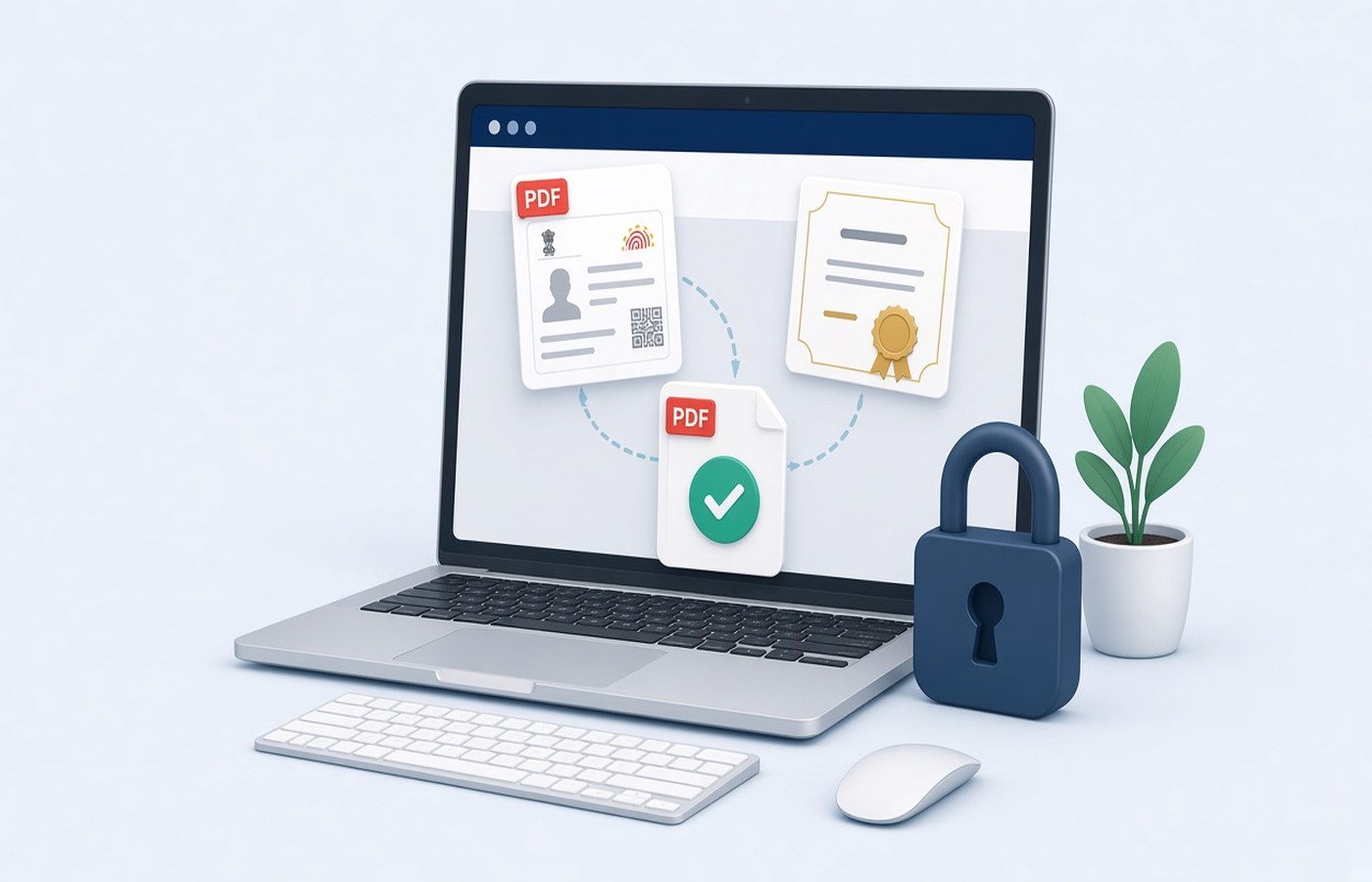
Company portals for interns often allow a single upload for the college certificate and a photo ID. Students send two mails, or a ZIP the form cannot open, and the HR inbox marks the profile incomplete. On Windows, put the two documents into one PDF in the order the portal text names, with both pages upright and the ID readable, and use a file name that includes your name. Submit papers that are yours. Do not borrow a classmate's certificate, and do not edit the dates or the college name to match an application. If the certificate is not ready, ask the college for it.
Follow the portal's order
Read the upload label. Some forms say certificate then government ID. Some say ID then the letter. The reviewer compares page one with the first item in that sentence. Merge in that order and do not add a resume as page three unless the same slot asked for it. Extra pages can fail a page-count check. If the portal has two slots, stop and upload two files. A merged PDF in a slot that expected only the certificate hides the ID in the wrong place and leaves the ID slot empty.
Open the merged file and read your name on both pages. The spelling should match the application. If the certificate uses an initial and the ID uses a full middle name, do not rewrite either page. Use the portal's name fields the way the form allows, and if a mismatch will cause a reject, ask HR which document they want you to follow. Editing the ID photo or the certificate text is not how you reconcile a spelling.
- Page order copied from the upload label
- Certificate and ID only, unless more was requested
- Your name readable on both pages
- No classmate's file in the same PDF
Make the ID page readable
ID cards are small and glossy. Photograph the card flat, without a flash hotspot on the face or the number, and fill the frame. On the PC, place that image on its own PDF page, upright, with a margin so the edges are not cut. You should be able to read the name and the id number at normal zoom. A tiny card in the corner of an A4 scan of your desk will be marked unclear. Crop the desk out. Do not crop the card's own edges.
If the college sent the certificate as a PDF, use that file as the certificate page rather than printing and scanning it. Digital text stays sharp. Append the ID page to it. If the certificate itself is a scan with a sideways second page, rotate that page before you join the ID. A portal preview that shows a landscape certificate under a portrait ID is still acceptable when each page is upright on its own. Tilted pages are the problem.
A file name HR can attach to you
Name the file with your name and the word internship, such as Riya-Shah-Internship-ID.pdf. Avoid certificate.pdf on a shared lab PC, where the next student will overwrite it. If the form demands a specific pattern, follow that pattern and keep a copy under your own name at home. Add the internship month if you may apply again next summer. Version the file if HR asks for a clearer ID scan, and upload the new name if the portal lets you replace the old one.
Check the size limit. Two pages rarely exceed it unless the ID photo is a huge colour image. Compress lightly if needed, then check the face and the number. An over-compressed ID looks like a reject even when the certificate page is perfect. Keep the separate originals as well as the merged PDF. The college may ask you not to forward their letter inside a bundle, and you will want the certificate alone later.
Upload on the company portal and keep a copy
Submit on the portal or mail address the company gave you. Do not send the ID to a random site to merge it with the certificate. The merge takes a minute on the PC. Pdf Buddy can join the pages, rotate the certificate, and export one PDF. After the upload succeeds, save the acknowledgement if there is one, next to the PDF. Internships end, portals close, and you still need the certificate for the next job.
If the college later issues a corrected certificate, repeat the merge with the new file and keep the old PDF in an old subfolder. Do not paste the new dates onto the previous scan. Replace the whole certificate page with the file the college issued. You are submitting documents you were given, for a role you are allowed to apply to. The college file replaces the page. An image you edited should not go to HR.
Questions people actually ask
The form says one file. I have a certificate PDF and a phone photo of my ID. How do I join them? Turn the ID photo into a single upright PDF page, then merge it with the certificate in the order the form names. Open the result and read both names. Upload that one file, and keep the certificate PDF separately for later use.
My ID number is readable but the card is sideways. Will that pass? Rotate the ID page so the text is upright, export again, and check the edges are still in the frame. A sharp sideways card is still hard to verify in a quick HR preview. Do not crop off the number to force a portrait crop.
Can I add my offer letter as a third page just in case? Add it only if that upload slot asks for the offer letter. Otherwise use the slot the form gave the offer, or leave it out. Extra pages are a common reason a one-document field is rejected. Send the offer where the form asked.
Join the certificate and ID on your PC, in the portal's order, and upload there. Pdf Buddy, by Easy Peeze Tools, is a Windows desktop PDF editor that works on the PC. The ID is not uploaded to a random website. The free tier is 2 files a day. Pricing starts at ₹149. Start at download.