
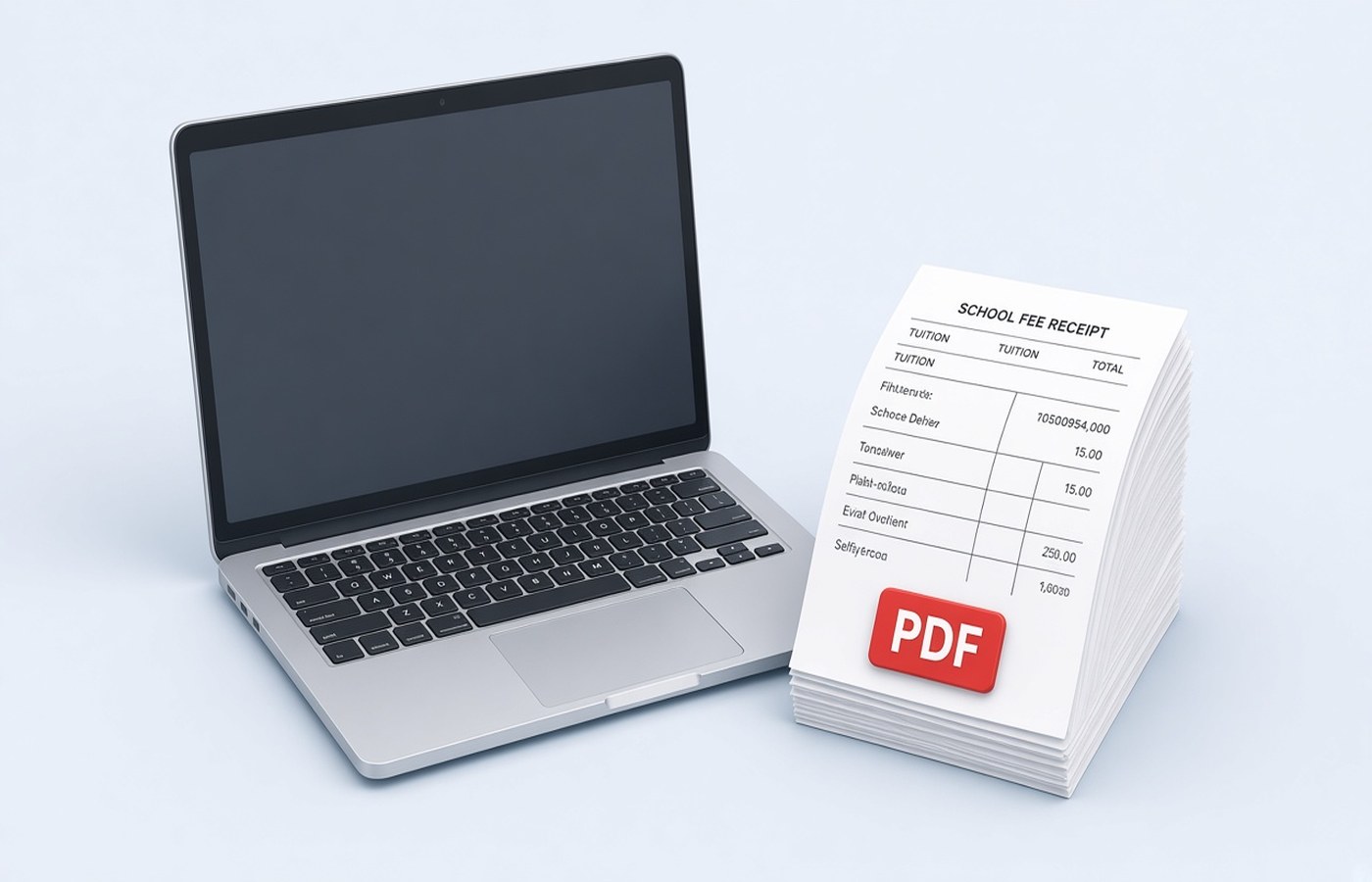
Office reimbursement for school fees asks for receipts, and parents usually have a mix of mail PDFs, a photo of the fee book, and a bus-fee slip from a different counter. HR rejects the claim when the child, the term, and the receipt number cannot be read, or when tuition and transport are glued together against company policy. On Windows, build the PDF the policy describes, name it with the child and the term, and keep a copy for the next quarter. These are receipts you were given. Do not alter amounts or dates. If a receipt is wrong, ask the school office for a corrected one.
Match the claim rule before you merge
Read the reimbursement note. Some employers want one PDF per child per term. Some want a single file for the year. Some pay tuition and refuse transport, books, or uniform. Merge only the receipts the note allows. If you include a bus slip in a tuition-only claim, the whole file can be sent back. Keep the excluded slips in a side folder so you still have them. Do not crop the word transport off a combined receipt to make it look like tuition. Submit the receipt as the school printed it, and claim only the line the policy covers if the form has a place to type that split.
Check the academic year on each receipt. A stray slip from the previous year confuses the payroll cutoff. Sort from April onward, or in whatever order the school year runs for you. Put the summary receipt first if HR asks for the fee structure, then the paid receipts. If there is no summary, start with the earliest receipt in the term. Label nothing on the scan itself. The file name can carry the label.
- One child per file when the policy says so
- Tuition slips only, if transport is excluded
- Term and academic year visible on the receipt
- Receipt number and paid amount uncropped
Make every receipt readable
Fee books are stamped in pale ink. Scan or photograph each receipt flat, then turn the images into PDF pages on the PC. Zoom in on the receipt number, the child name, and the amount. A crease through the amount is a reason to rescan, not a reason to type the figure in an editor. If the school mailed a GST invoice or a fee receipt PDF, prefer that file. It is already sharp. Append the photo pages only for counters that do not issue a digital slip.
Rotate sideways slips. Drop blank pages from a double-sided book. If two receipts share one photo, reshoot them separately so each page is one receipt. HR staff check claims quickly. A collage is easy to reject. When the set is complete, merge in date order and save. Open the merged file once from start to finish before you attach it to the claim portal. This is the pass that catches a missing April slip.
File names payroll can sort
Use the child name, the fee type, and the term, such as Anika-Tuition-Term1-2026.pdf. If you have two children, do not call both fees.pdf. The portal or the mail will overwrite or confuse them. Add the employee id only if the claim form says the file name must carry it. Otherwise keep the id inside the form fields. For a resubmission, add v2 and mention the new receipt in the comment box. Replacing a file silently leaves the approver on the old copy.
Watch the size limit on the HR tool. A year of colour photos can exceed it. Compress after the numbers are readable, or split by term if the portal allows more than one upload. Read the total on the first and last receipt after compression. Keep the larger originals until the claim is approved. You may need them if payroll asks for a clearer page. A soft total means you compressed too far.
Keep a year folder at home
Make a folder per child and per academic year. Drop each term's PDF into it when you claim, plus any school letter the office asked for. Next year's claim is easier, and a lost job portal login will not take the receipts with it. Pdf Buddy can merge the pages, rotate a sideways slip, and compress on the PC. There is no need to upload fee receipts to a random joiner site. Send the PDF only to the employer channel you already use.
When the reimbursement is paid, leave the file where it is. Families sometimes need the same receipts for a visa or a loan proof of continuing fees. You are storing documents the school issued. If a term has no receipt because you paid in cash at the counter, ask the school for a numbered receipt. Do not write your own receipt and scan it as if the school had issued it.
Questions people actually ask
HR asked for one PDF, but the policy excludes the bus fee. What goes in? Include the receipts the policy reimburses. Leave the bus slip out of that PDF and keep it in your home folder. Do not hide the word transport by cropping. If one school receipt lists both, submit it as printed and fill the claim amount the way the form instructs.
The fee book photo is blurry on the amount. Can I retype it? No. Scan that page again or ask the school for a digital receipt. The amount and receipt number must be the school's print. A typed total on a blurry photo is not the document payroll asked to see. Reshoot under a brighter lamp.
Two children, one mail from the school. How should I split it? If the PDF has both names, split or export the pages for each child into separate files when the policy wants one child per claim. Name each file with that child and the term so the approver does not open the sibling's claim by mistake.
Prepare the reimbursement PDF on the PC and upload it only on the office claim page. Pdf Buddy, by Easy Peeze Tools, is a Windows desktop PDF editor that works on the PC. Receipts are not uploaded to a random website. The free tier is 2 files a day. Pricing starts at ₹149. Visit download.