
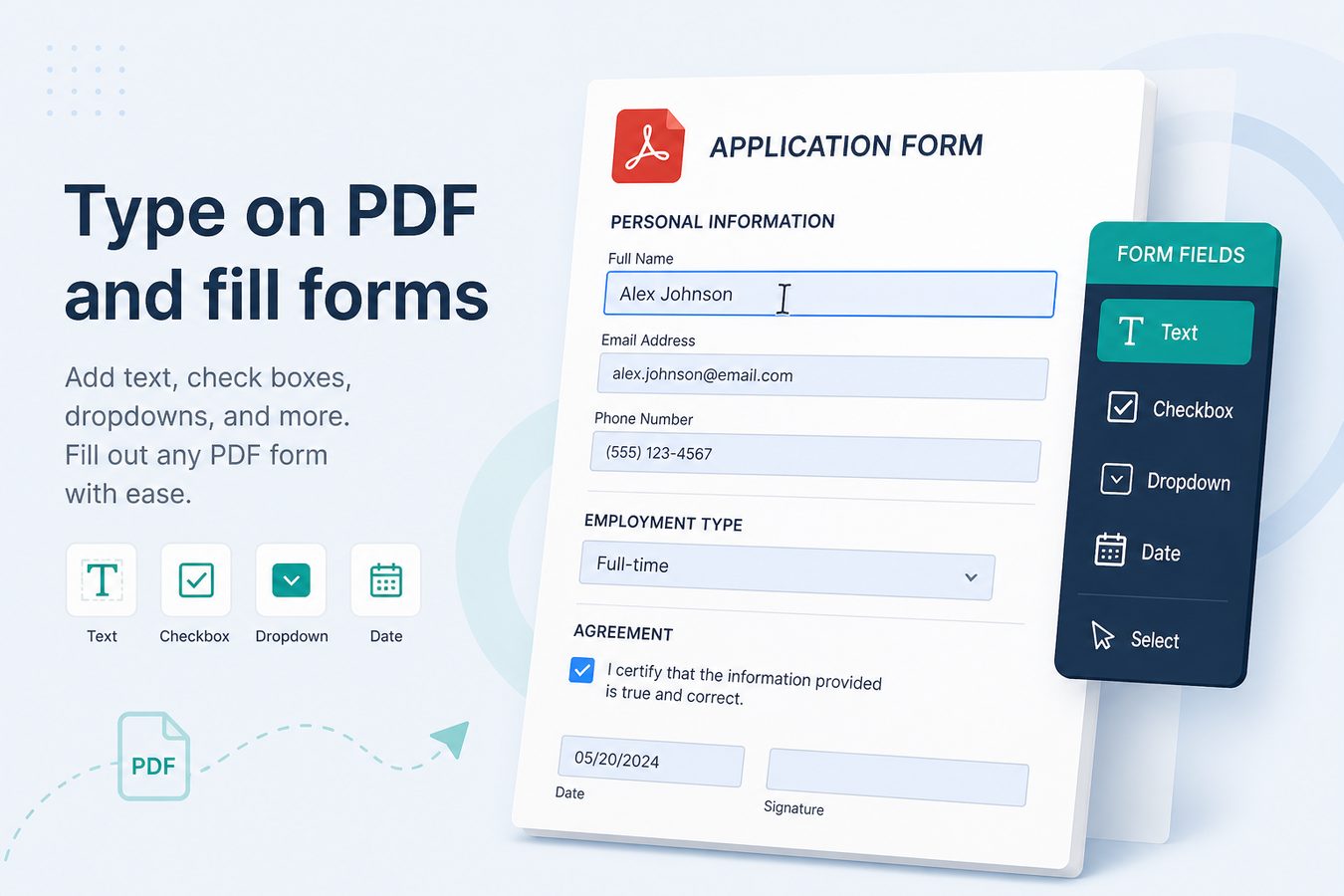
Sejda's editor FAQ is a useful map of the problem space even if you never upload to Sejda: add text, edit existing text (native PDFs only), fill form fields, overlay on scans, whiteout, shapes, find-and-replace, signatures.
Pdf Buddy covers the Windows/local version of that map. You are not fighting browser zoom (Sejda literally warns that browser zoom breaks the editor). You are not racing a 3-tasks-per-hour free cap.
Native PDF vs scan
- Native: text objects exist. You can often rewrite a line, change size, restyle.
- Scan / flattened print: there is no text to click. Overlay a text box. If you need search, OCR first.
Fillable forms (AcroForms)
If the PDF already has fields, click and type. If it does not, you can still type in the margin - ugly but accepted by many SMEs. Building a proper fillable form for the public internet is closer to pdfFiller's job than to a ₹299/year desktop utility.
Whiteout is not redaction
A white rectangle hides pixels in viewers. The old text may still live in the file. Do not "whiteout" a PAN and email the PDF as if it were redacted. For secrets, reconstruct the page or use a dedicated redaction tool.