
Book Karo
A booking page for your business. People pick a free time. The meeting lands on your Google Calendar. Coming soon.
What Book Karo does
You set the meeting types, the hours you can take, and your business name. You share one link. The other person books. You do not pass times back and forth.
Book Karo
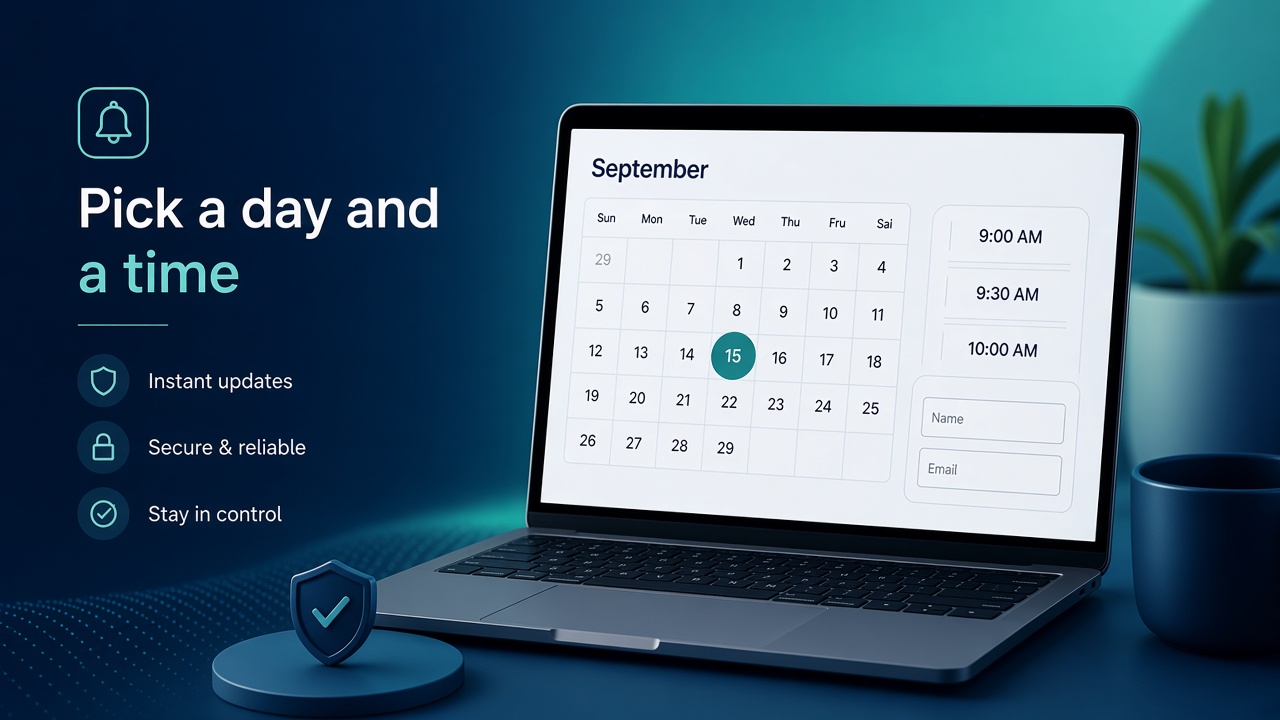
A calendar, then a time, then the form
The public page is one screen. They choose a date, then a free slot, then enter who they are.
- Month calendar with only open days
- Time slots for the meeting length you set
- Name, email, and a note
- Your business name is required and shows on the page
Book Karo
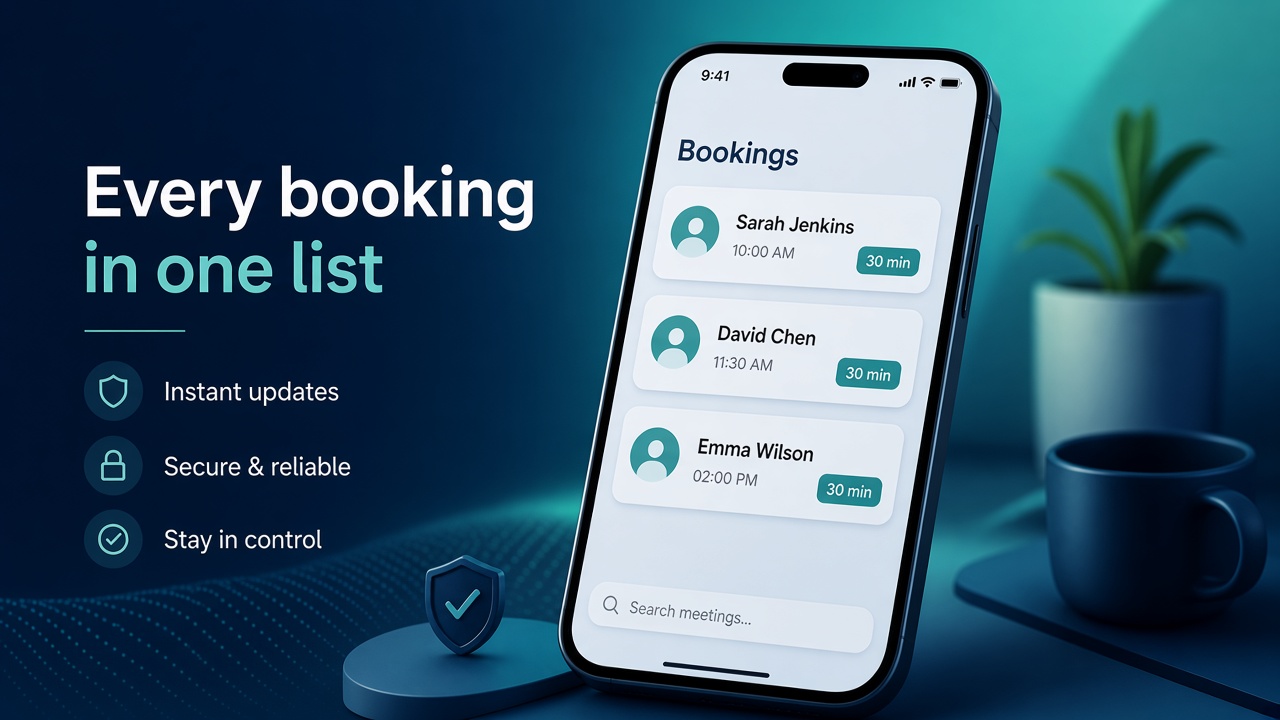
Every booking in one list
Scheduled meetings sit on your dashboard: who, when, and which meeting type. Cancel one and it leaves the list and the calendar.
- Meeting types have a name, a length, a color, and their own link
- Disable a type and it drops off the public page
- Each row shows the person, the time, and the length
- Cancel removes the Google Calendar event too
Book Karo
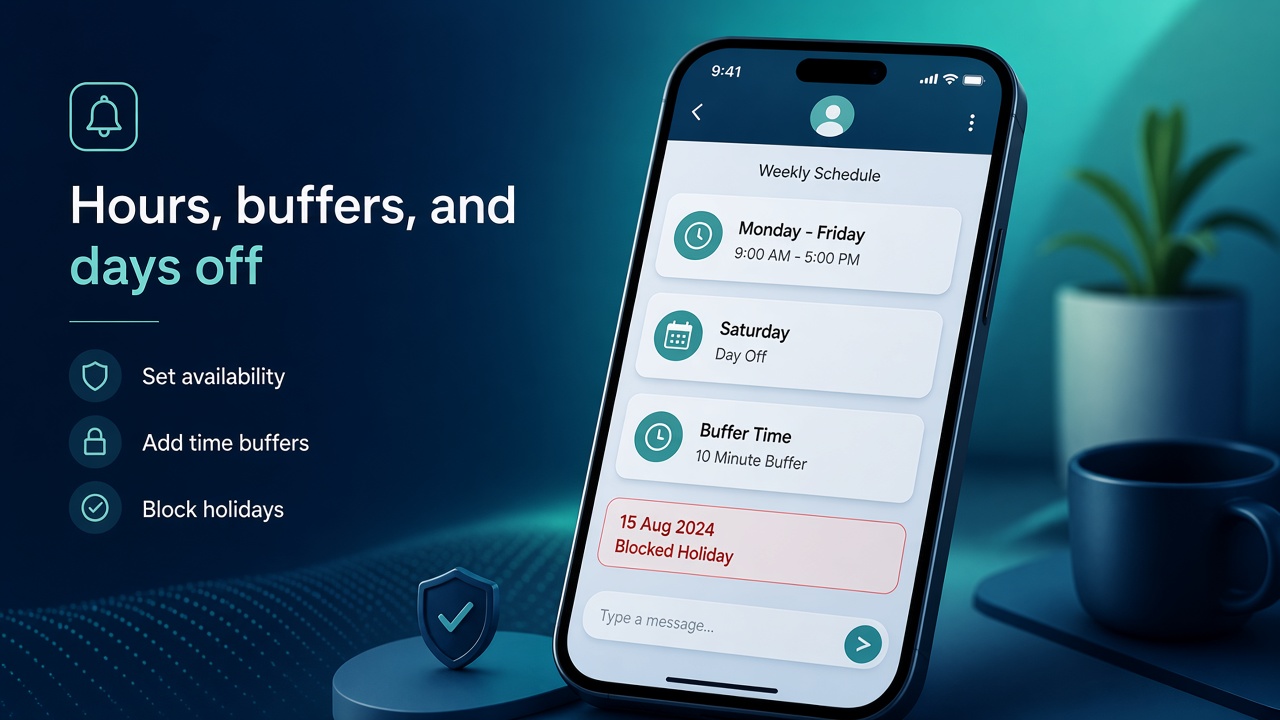
Only the hours you are free
Set weekly hours and a timezone. Add a buffer before and after each meeting. Block a day or a date range for leave. Busy times already on your calendar stay hidden.
- Weekly hours, per day
- Buffer before and after
- Holidays and blocked date ranges
- Slots that overlap an existing calendar event are not offered
Book Karo
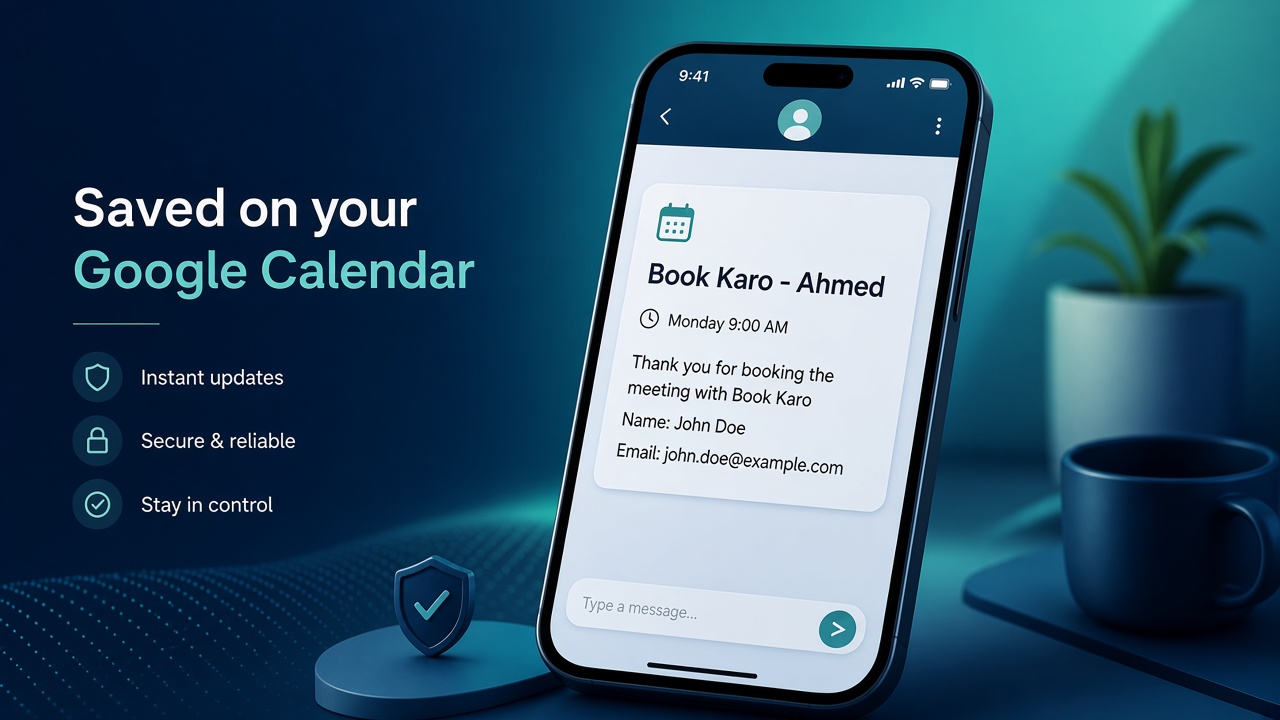
Written onto your Google Calendar
Connect the Google Calendar you already use. A new booking is added there. Cancel it, from your side or theirs, and the calendar event is removed.
- Title is your business name and their name, like Book Karo - Ahmed
- Description starts with a thank-you for booking with your business
- Then their name, email, note, the meeting, and the length
- They are invited on the event
How Book Karo works
- Create your page. Business name, timezone, weekly hours, and at least one meeting type.
- Connect Google Calendar so busy times are skipped and new meetings are saved there.
- Share the link. They pick a date and a time. You see the booking in your list and on your calendar.
Company settings hold the business name, display name, username, bio, and timezone. Password change is on that same page.
Coming soon on this site. There is no public signup here yet.
Questions: support@easypeeze.com.