
Kidly
Two Android apps. Kidly Parent on your phone. Kidly Kids on your child's phone. Coming soon.
What Kidly does
You sign in, pair the child's phone with a code, and the parent app shows that device. The child grants the permissions on their phone. Nothing here is a hidden install.
Kidly
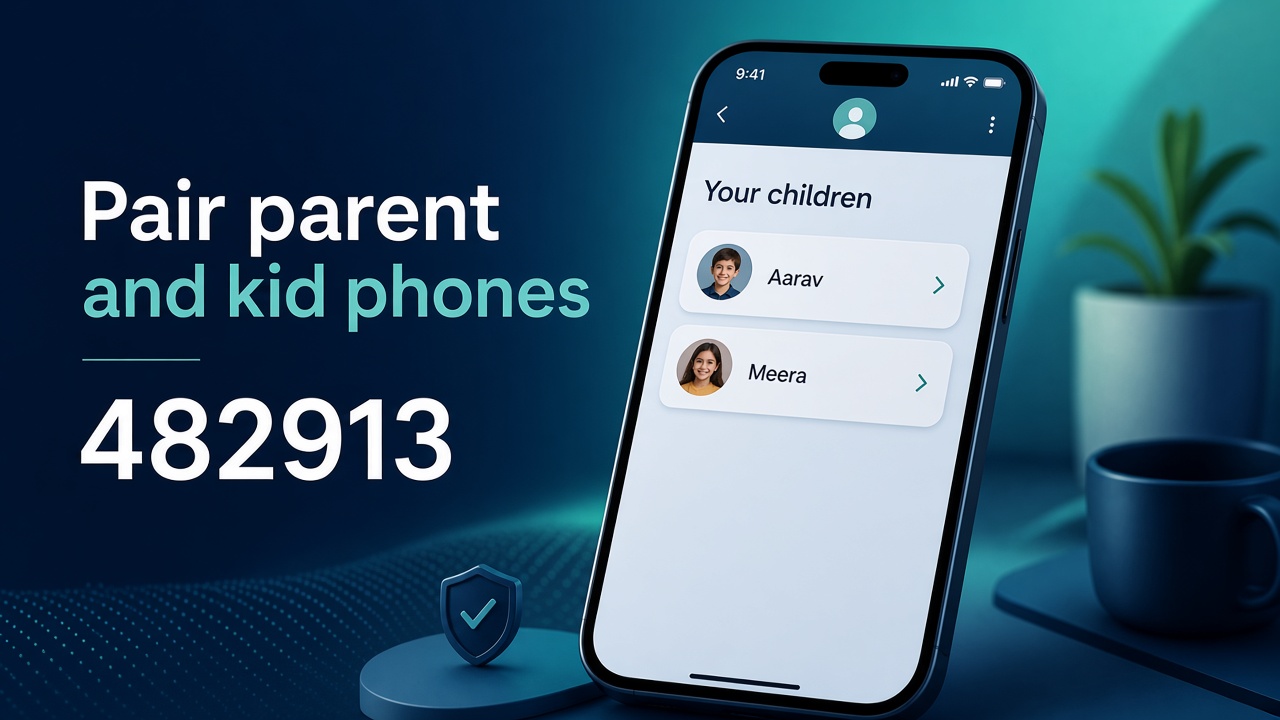
Pair the two phones
Parent signs in with Google. The Kids app makes a pairing code. You type that code and the child shows up in your list.
- One parent account, a set number of child slots
- Each child is a separate paired phone
- You can refresh the list any time
Kidly
Screen time, limits, and downtime
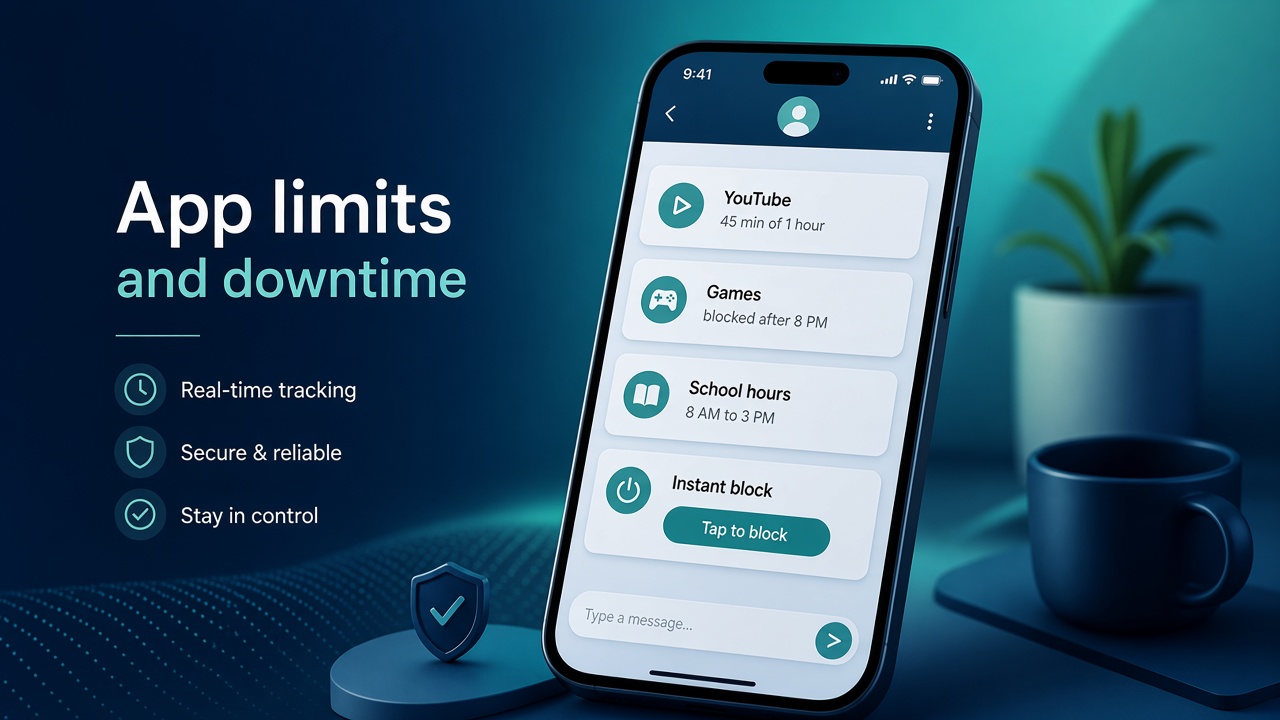
See how the paired phone is used, then set rules. Daily limits, apps that always stay open, and hours when only calls and allowed apps work.
- Usage report for the child you pick
- Daily app limits and always-allowed apps
- Downtime for school hours or bedtime
- Instant block when you want the apps locked now
Kidly
Websites and browsing
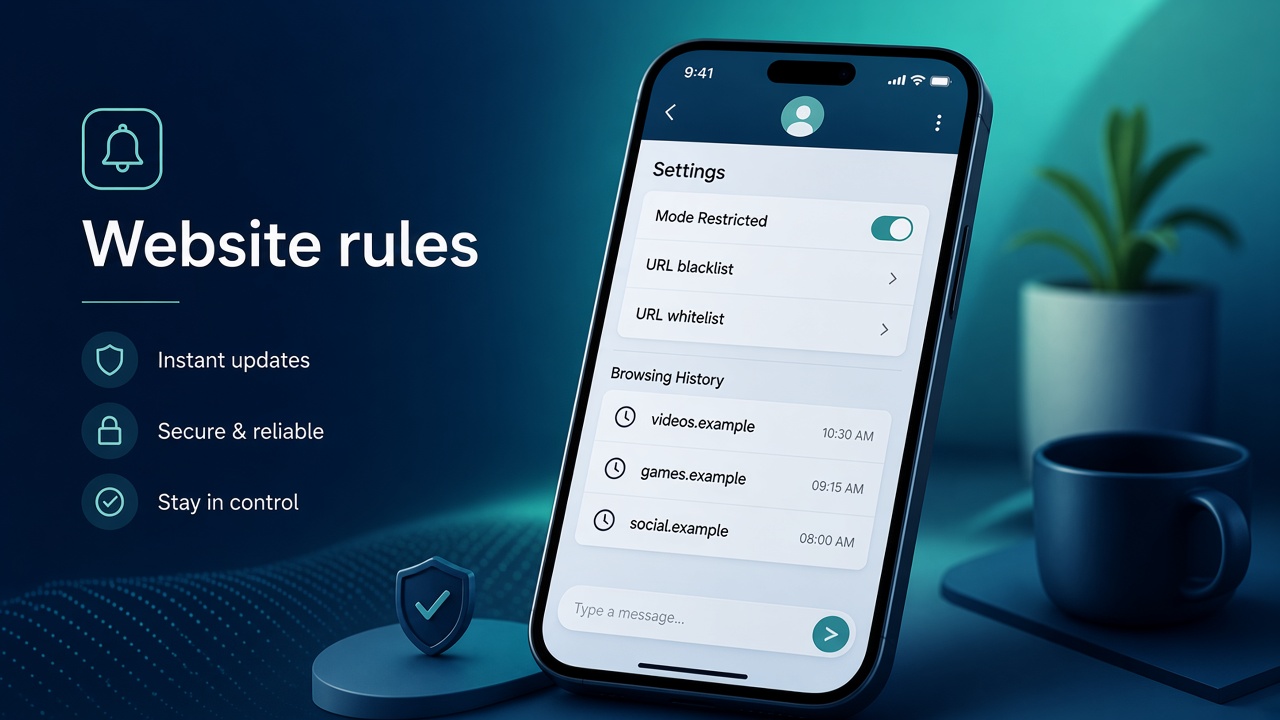
Pick a mode, then keep a block list and an allow list. Sites the child opens show up as browsing history after the Kids app has the permission.
- Unrestricted or restricted mode
- URL blacklist and URL whitelist
- Browsing history for that child
Kidly
Calls, texts, and notifications
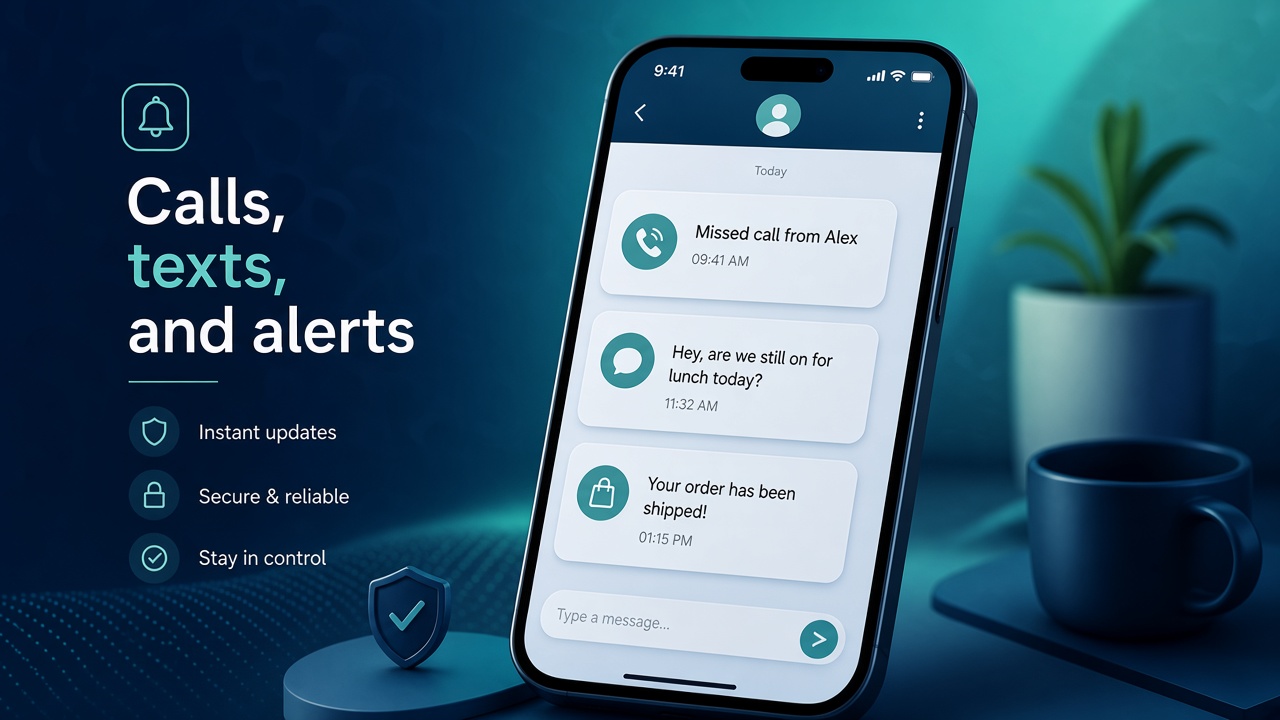
On the paired phone, Kidly can show call and SMS activity, plus app notifications as they arrive. Social apps can flag keywords you set.
- Calls and SMS from the child's phone
- App notifications in near real time
- Keyword alerts on major social apps
Kidly
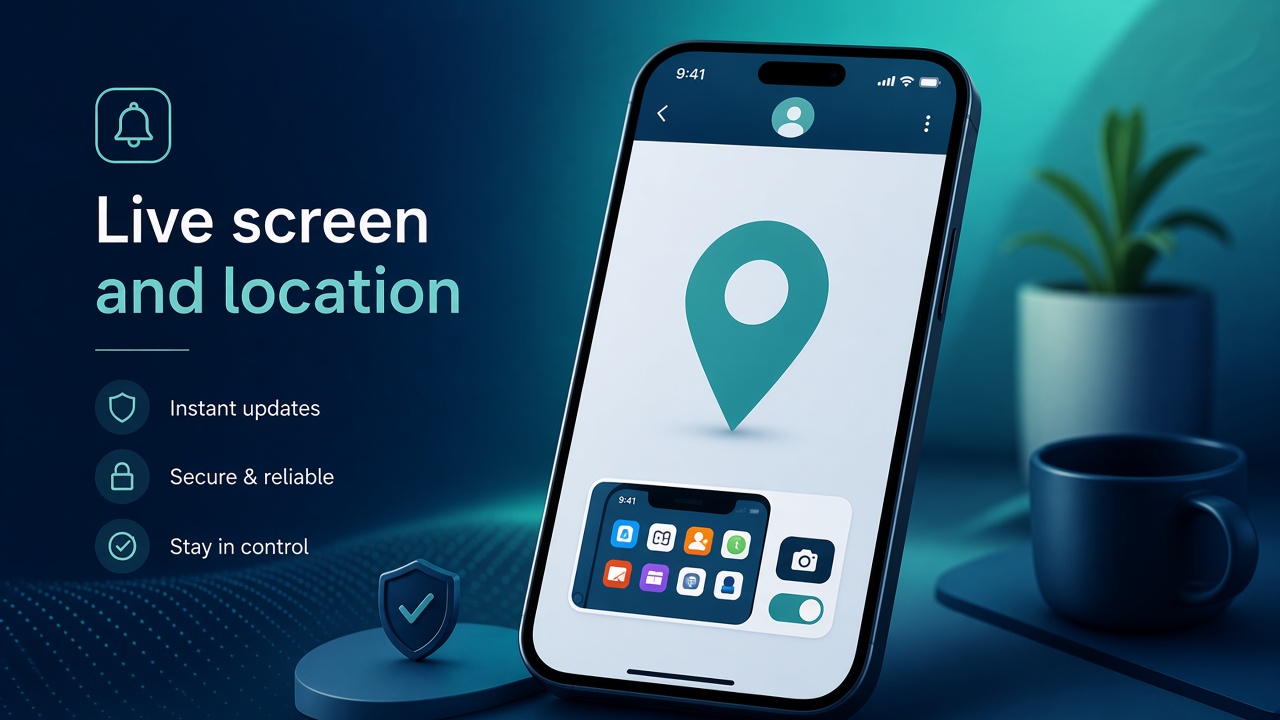
Live screen, camera, sound, and place
From the parent app you can ask the paired Kids phone for a live look. It waits until that phone is online.
- Live screen of the child's phone
- Live camera, front or back
- Live microphone
- Live location, with an option to open the pin in maps
- One-off or scheduled screen and camera snapshots
Kidly
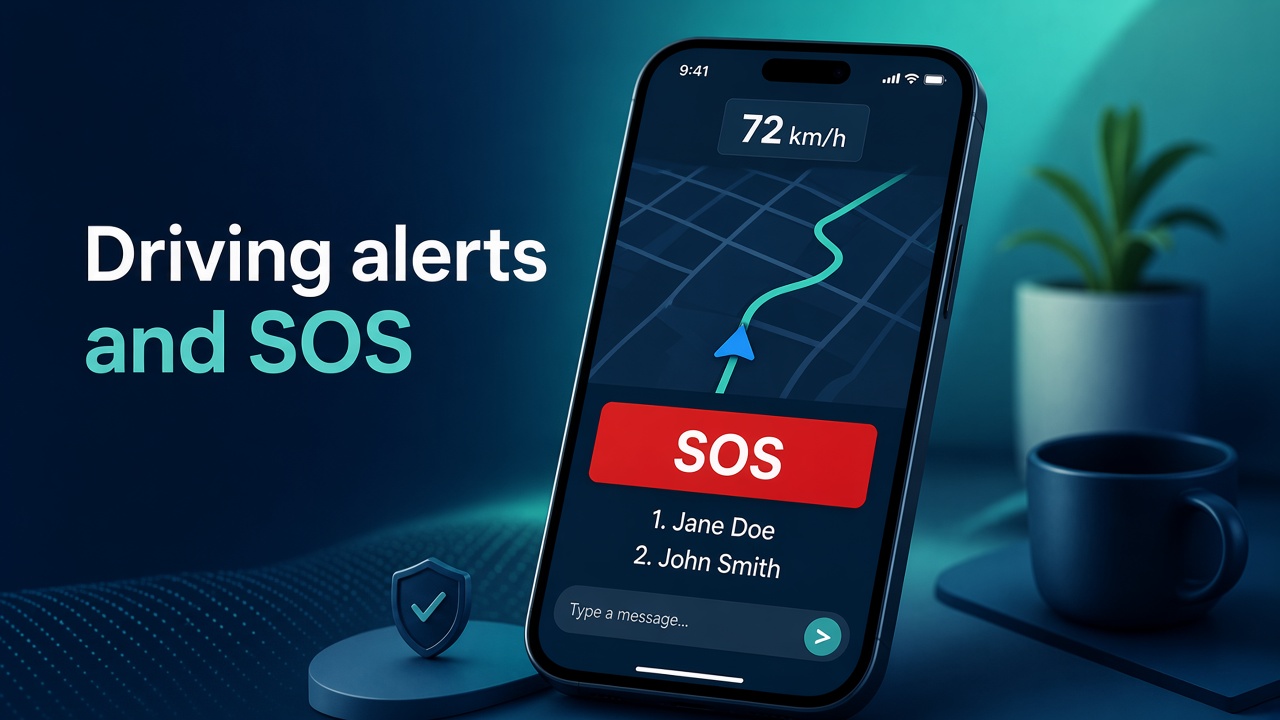
Driving alerts and SOS
With location on all the time, driving detection logs the route and flags speeding, hard braking, and fast acceleration. SOS holds the emergency contacts the child can reach.
- Route log and a speeding threshold
- Hard braking and rapid acceleration
- Emergency contacts on the child's phone
How Kidly works
- Install Kidly Parent and sign in with Google.
- Install Kidly Kids on the child's phone and allow the permissions it asks for: usage, notifications, and the ones each feature needs.
- Pair with the code from the Kids app. That child then shows on Home, Analytic, and the controls.
Coming soon. There is no public download yet.
Questions: support@easypeeze.com.