
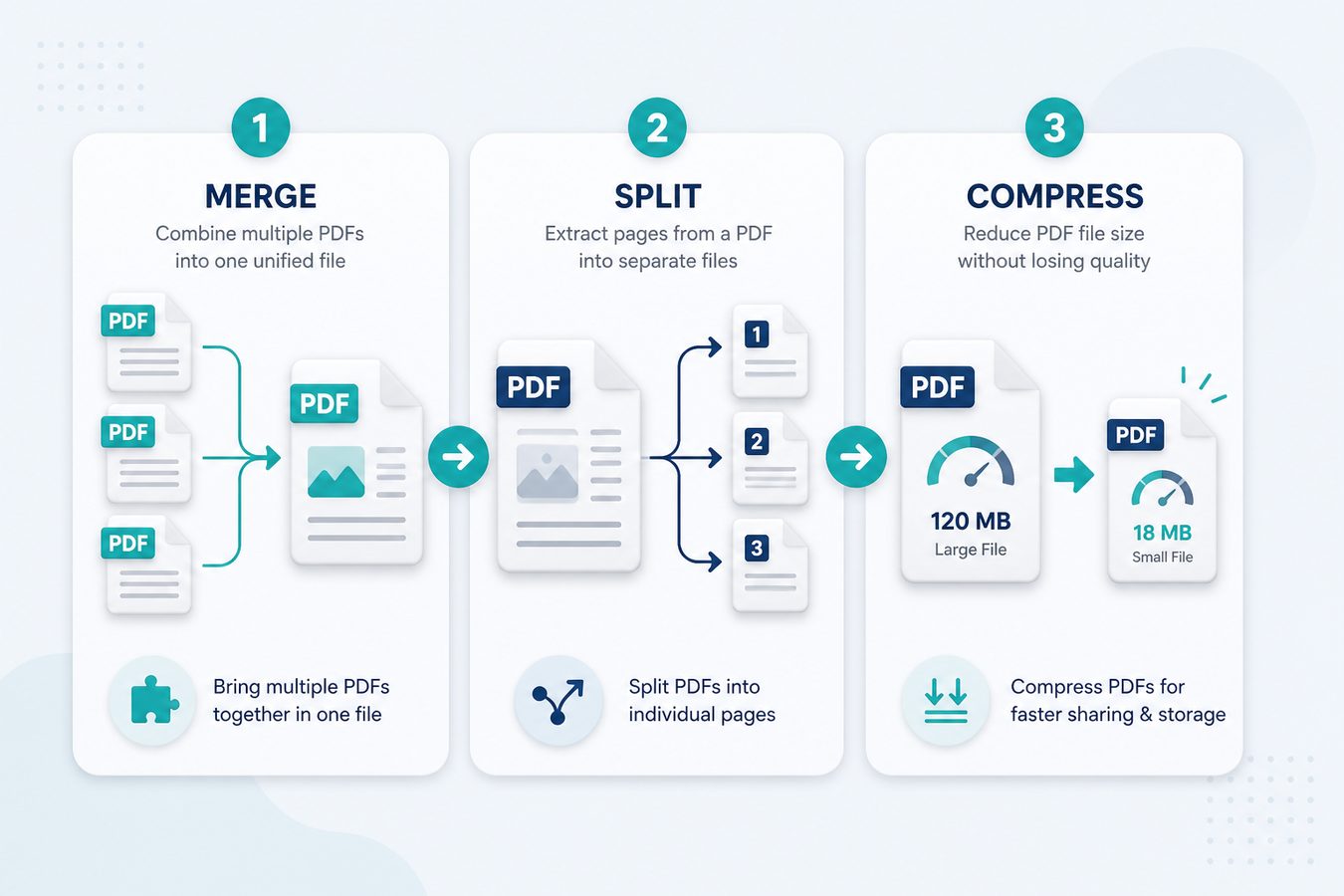
Three jobs cover most PDF busywork in India: merge, split, and compress. Online suites market them as separate "tools." On a desktop they are one sitting.
1. Merge PDF files
Order matters. Name files with numeric prefixes, drop them into Pdf Buddy Merge, save one output. Use this for invoice packs, assignment bundles, and KYC. Guide: merge PDF.
2. Split PDF pages
Portals that want "first two pages only" are not kidding. Extract a range instead of photographing a screen. Guide: split PDF.
3. Compress PDF for WhatsApp and portals
Phone scans of A4 at 12 MP become 20 MB PDFs. Compress, then visually check PAN and signatures. Guide: compress PDF.
A 10-minute pack recipe
- Split the huge scan to the pages you need.
- Convert extra JPGs to PDF.
- Merge in portal order (photo, ID, address, signature).
- Compress until it is under the listed limit - then add 10% headroom.