
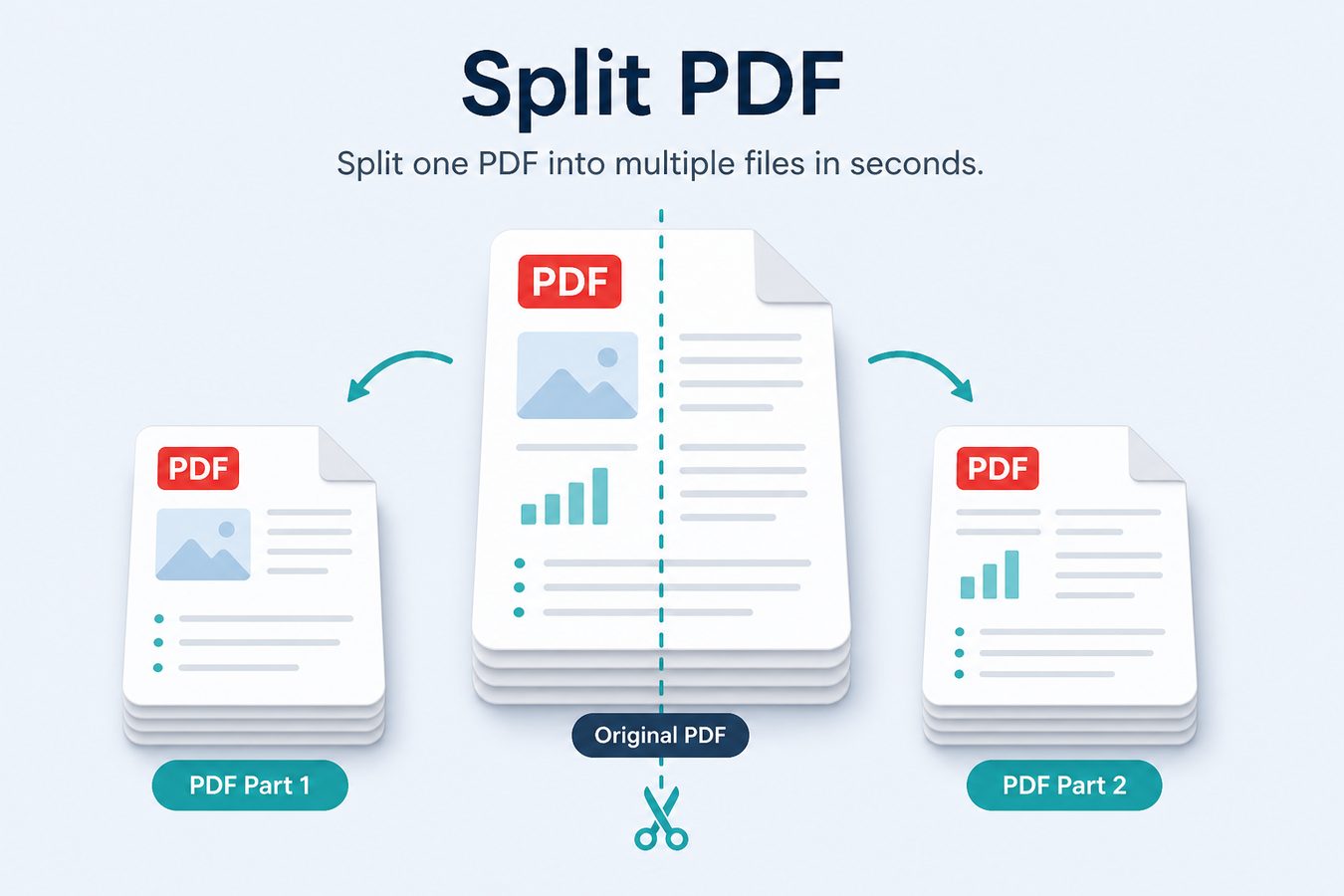
Split PDF is the inverse of merge: extract a range, peel off a covering letter, or turn a scanned book into chapter files. Sejda-style online tools also split by bookmarks, file size, or repeating text. Pdf Buddy covers the everyday case on Windows: page ranges and selected pages, locally.
India examples
- University wants only the marksheet page from a 12-page scan.
- Bank wants salary slips for three months, not the whole Form 16 PDF.
- You WhatsApp one page to a vendor without sending the full contract.
Split vs compress
Splitting reduces page count. Compressing reduces bytes on the pages you keep. Use both when a 40 MB phone scan must become a 2 MB, 2-page upload.
At a glance
- Split by page range or extract selected pages
- Create smaller files for email attachments
- Works offline on your PC
Related tools
- Edit PDF text & pages
- Merge PDF files
- Compress PDF size
- Sign PDF documents
- OCR scanned PDFs
- Unlock & protect PDF
- Convert images & Office to PDF
People also search
split PDF, extract PDF pages, separate PDF pages. Related guides: PDF editor guides, best free PDF editor Windows, edit PDF online vs desktop.