
Browser PDF editors such as those on iLovePDF, Smallpdf, Sejda, and pdfFiller are built around upload -> process in the cloud -> download. That is fine for a public flyer. It is a poor default for Aadhaar copies, Form 16, board marksheets, client NDAs, or payroll PDFs.
Pdf Buddy is a Windows desktop editor from Easy Peeze Tools. You open the file on your PC, change what you need, and save next to the original. No hourly task cap, no "file deleted in 2 hours" session, no surprise that a scan cannot be edited as live text.
What "edit PDF" actually means
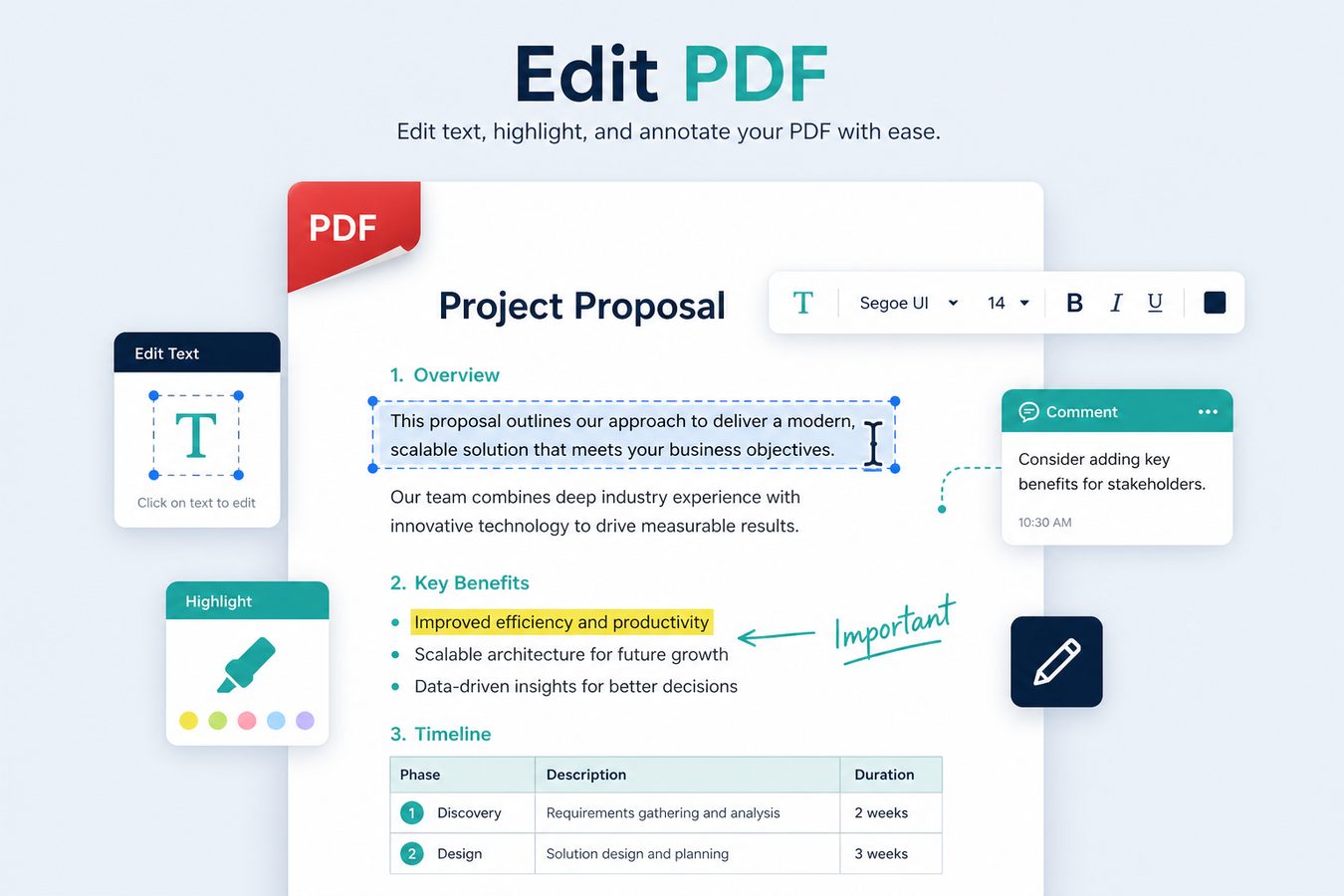
People search "edit PDF" for several different jobs. Pdf Buddy is aimed at the ones Indian students and SMEs do every week:
- Fix typos on native (text) PDFs - invoices, offer letters, circulars.
- Add a text box when the original is a scan or a flattened export (same idea as "type on a PDF").
- Annotate - highlight, underline, comments for review packs.
- Cover / whiteout a wrong date or a test watermark before you share (this hides pixels; it is not forensic redaction).
- Place a logo or stamp image on letterheads and certificates.
Scans vs real text
If Ctrl+F finds nothing, you are looking at an image. Online editors often say "editing scanned text is not supported" - then they still let you overlay new text. Do the same locally: run OCR when you need search, or overlay text when you only need a correction on top of the scan.
Typical India workflows
- College: correct a name spelling on a declaration, add page numbers, export again.
- GST / CA: stamp "verified" on a working paper, merge annexures later.
- HR: change joining date on a draft appointment PDF without opening Word.
How to edit a PDF in Pdf Buddy
- Install Pdf Buddy on Windows 10 or 11 and open the file from Explorer.
- Use the text / annotate tools for native PDFs; overlay text or images on scans.
- Save a new copy (keep the original). Compress if a portal has a size cap.
When to stay in the browser instead
Cloud suites win if you need Salesforce/Google Workspace collaboration, role-based eSign envelopes, or a huge forms library. Pdf Buddy wins when the file should never leave the laptop and you already live in Windows.
At a glance
- Edit and annotate PDF documents locally on Windows
- Keep sensitive contracts and IDs off random cloud editors
- Faster than juggling five free browser tools
Related tools
- Merge PDF files
- Split PDF pages
- Compress PDF size
- Sign PDF documents
- OCR scanned PDFs
- Unlock & protect PDF
- Convert images & Office to PDF
People also search
edit PDF, PDF editor Windows, edit PDF text, PDF editor India. Related guides: PDF editor guides, best free PDF editor Windows, edit PDF online vs desktop.