
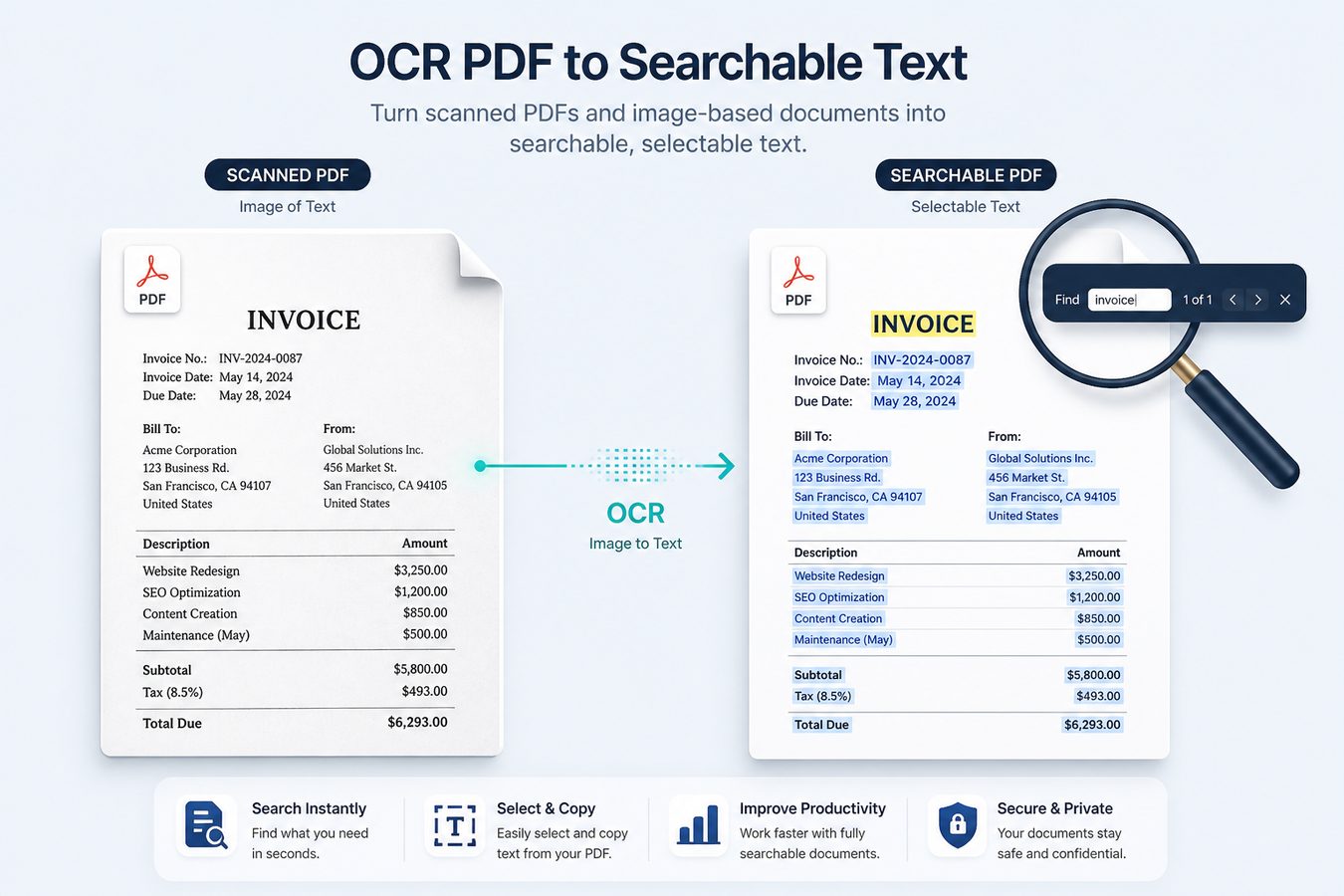
A phone scan is a photograph inside a PDF. Google cannot index the words; you cannot Ctrl+F "GSTIN". OCR (optical character recognition) adds a text layer so the file becomes a searchable PDF.
iLovePDF and Smallpdf offer OCR as a cloud step with page limits. Pdf Buddy runs OCR on Windows - useful for Hindi/English mixed invoices, photocopied marksheets, and CA working papers you do not want on a public processor.
OCR will not
- Beautifully reconstruct a torn stamp.
- Fix a blurry 2 MP WhatsApp forward.
- Replace a proper scan at 300 DPI for archival.
Do this for better OCR
- Scan or photograph straight-on, high contrast, one page per image.
- Run OCR, then spot-check names, PANs, and amounts.
- Keep the searchable PDF; archive the original scan if needed.
At a glance
- OCR scanned documents to searchable text
- Useful for paper invoices and photocopies
- Desktop processing for privacy
Related tools
- Edit PDF text & pages
- Merge PDF files
- Split PDF pages
- Compress PDF size
- Sign PDF documents
- Unlock & protect PDF
- Convert images & Office to PDF
People also search
OCR PDF, searchable PDF, scan to text PDF, OCR Windows. Related guides: PDF editor guides, best free PDF editor Windows, edit PDF online vs desktop.