
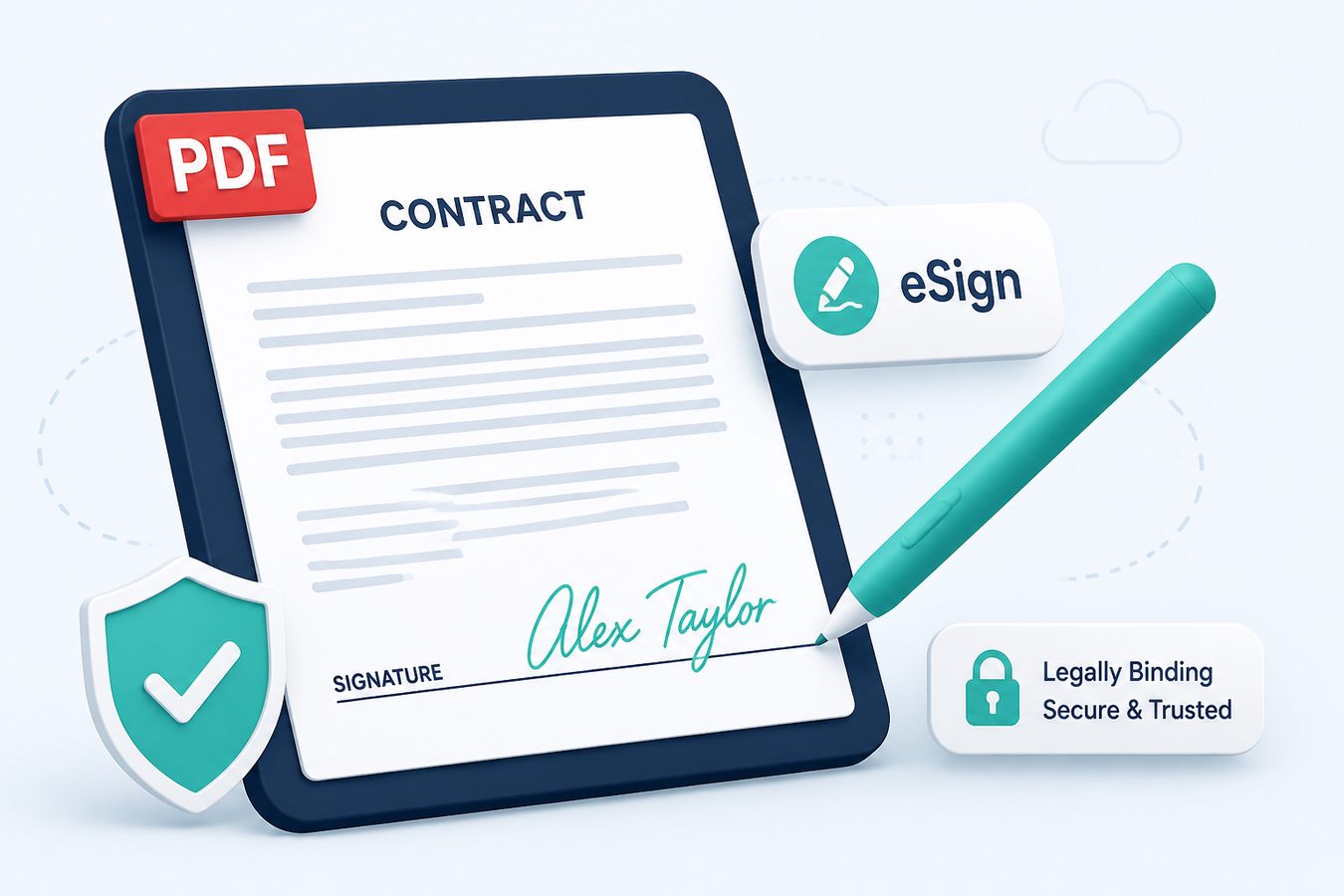
pdfFiller and Smallpdf lean on cloud eSign (send a link, track signers). That is a different product from "I need my signature on this offer letter in the next ten minutes."
Pdf Buddy is the second product: draw, type, or place an image signature on a PDF and save it locally. Same three input methods you see in Sejda's sign UI - without the file leaving the machine.
Legal honesty
A drawn PNG on a PDF is evidence of intent in many everyday SME workflows. It is not automatically the same as a Certificate-based Digital Signature (DSC) used on MCA, Income Tax, or DGFT. Use a DSC provider when the law or the portal demands it. Use Pdf Buddy for HR letters, vendor POs, and internal approvals.
How to sign
- Create a signature once (draw on a trackpad, or scan a wet-ink signature on white paper).
- Place it above the signature line; keep size consistent across pages.
- Flatten/save so recipients cannot drag the image off in a casual viewer.
At a glance
- Draw or upload a signature and reuse it
- Place signatures exactly where you need them
- Keep signed copies on your machine
Related tools
- Edit PDF text & pages
- Merge PDF files
- Split PDF pages
- Compress PDF size
- OCR scanned PDFs
- Unlock & protect PDF
- Convert images & Office to PDF
People also search
sign PDF, eSign PDF, digital signature PDF Windows, PDF signature. Related guides: PDF editor guides, best free PDF editor Windows, edit PDF online vs desktop.