
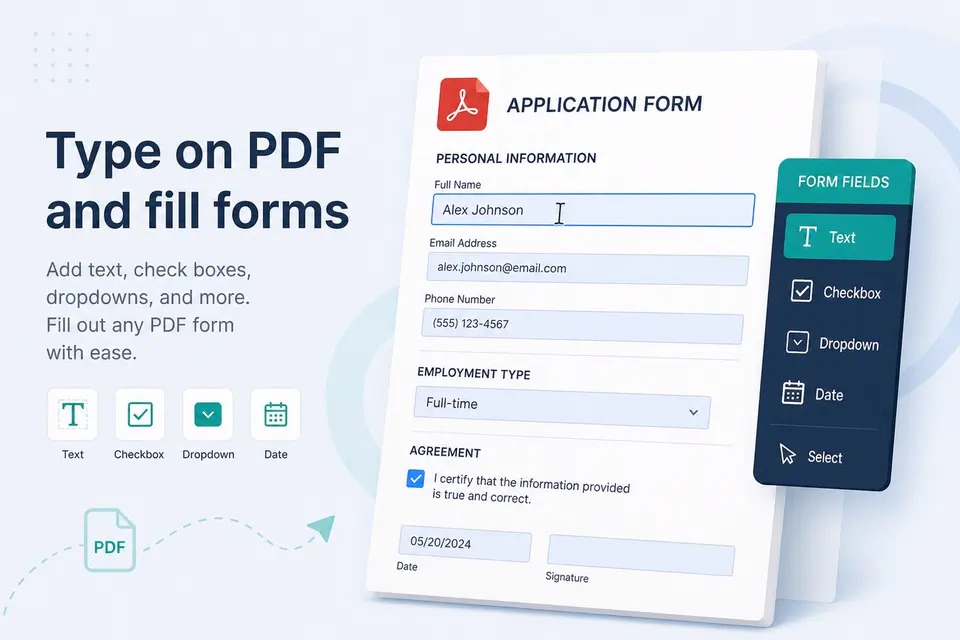
Many office "PDF workflows" are just File -> Print -> Save as PDF. That snapshot is fine for a webpage. It is a poor Pdf Editor when the university or HR form needs your name, photo box, and a signature in the right place.
Flattened printouts vs editable work
- Print to PDF - picture of the page; fix a typo and you reprint everything.
- True form fields - tab through boxes if the issuer built AcroForms.
- Text overlay - type on a flat scan when there are no fields. See edit PDF.
Indian form realities
Admission PDFs, offer letters, and vendor onboarding packs are often scans. A Windows Pdf Editor that can type on the page plus sign locally saves a courier. Keep Aadhaar off upload sites; related KYC privacy.
Checklist before you email
- Zoom 100% and read every typed line.
- Flatten or flatten-on-export if the recipient should not move your text.
- Compress if the portal cap is 1-2 MB.
Pdf Buddy: 2 free edits/day on your PC. Guides: type on PDF, fillable PDF.